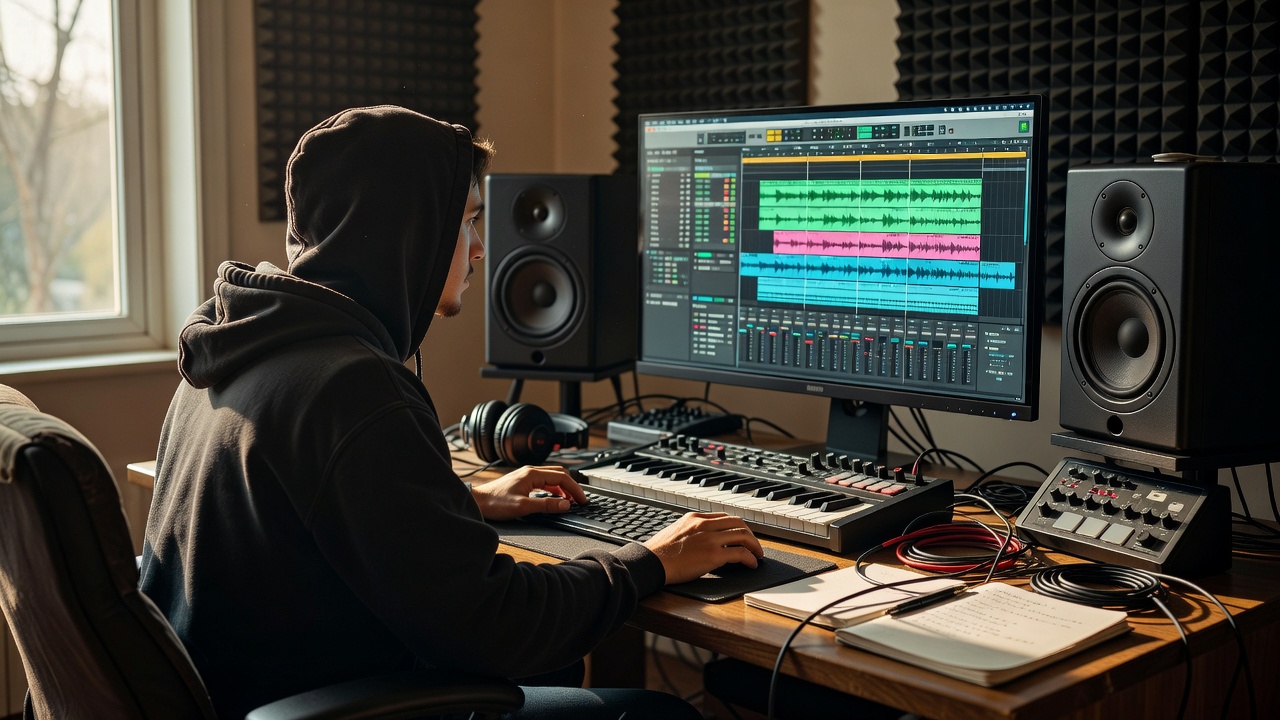
Give the session a small, clear brief
Write one sentence about the track you want to make. “An open, head-nodding beat with a brittle sample and a warm low end” is enough. The sentence does not need to describe a genre perfectly. It should help you decide whether a new sound supports the idea or merely adds activity.
Create tracks for the source, chops, drums, bass and any supporting texture you actually need. Name them by role. Keep an untouched source track muted or archived, and save a first project version before major edits. A small amount of organization protects momentum when the session becomes more interesting.
Translate the idea into your own DAW
The core actions are portable: import audio, trim regions, trigger sounds, edit timing, automate changes and export a file. Ableton Live, FL Studio, Logic Pro, REAPER, Bitwig Studio and GarageBand organize those actions differently, but none replaces the underlying listening decisions. Use the manual for exact commands and current feature availability.
Audacity can support recording and waveform-editing exercises even though its workflow differs from a clip-based sampler session. Akai MPC hardware and Native Instruments Maschine offer other ways to perform and sequence parts. You do not need to own these tools; they are examples of different interfaces for related musical tasks.
Assign roles before stacking layers
Identify the foundation, the focus and the contrast. The kick and bass might supply the foundation, a chopped phrase the focus and a thin texture the contrast. If two sounds compete for the same role, mute one and see whether anything important disappears.
When layers clash, try selection and arrangement before processing. Change one sound’s register, shorten its tail, move its accent or lower its level. Equalization can help with tonal overlap, but it cannot fully solve two parts making the same statement at the same time. Sometimes the best mix move is deleting a redundant event.
Sketch sections before polishing the loop
Duplicate the loop across a rough timeline and label an introduction, a main section, a contrasting section and a return. These labels describe functions, not mandatory song lengths. A short instrumental may need a different shape from a vocal arrangement. Make the sketch long enough to reveal whether the central idea can sustain attention.
Build the introduction by withholding something important. In the contrasting section, remove the bass, reduce the drums or expose a different slice. At the return, restore the main idea with one small change. A return feels earned when the preceding section has made its absence noticeable.
A subtraction-first arrangement
A static planning aid. Choose section lengths by listening, not by this diagram’s proportions.
Use transitions to clarify the change
A transition does not need a dramatic riser. A missing snare, a held tail or a brief pause may announce the next section more clearly. Try one transition device at a time. If several effects all point to the same change, remove the least useful one.
Automation can create development without introducing another instrument. Open a filter slightly, shorten a reverb return or lower a texture as the focus arrives. Listen over the full section. A movement that is exciting in isolation can become distracting when it repeats too often.
Protect headroom and compare fairly
Keep levels low enough to avoid unintended clipping, especially at plug-ins with nonlinear behavior and at the final output. There is no single track-fader number that guarantees a good mix. Watch meters, listen for distortion and reduce upstream levels when a processor is being driven harder than intended.
Compare a reference recording at a similar perceived loudness. Otherwise, commercial mastering level can make a balanced rough mix seem weak. Check on more than one listening system when available, and take breaks. Do not compensate for uncertain bass by continually turning up your monitors.
Export a version, not a verdict
Save a versioned project and export a complete rough track with its intended ending and audible effect tails. Keep an uncompressed WAV when practical and choose delivery settings for the destination rather than chasing a universal preset. If reducing bit depth, understand your DAW’s dither options and avoid unnecessary repeated conversions.
Listen away from the screen and write three notes: one thing to keep, one thing to simplify and one thing to fix. Return for those changes only. Include source records and required attribution in your project archive. Finishing a clear version teaches more than endlessly polishing a loop that never leaves the session.
Studio word: headroom
The margin between a signal’s current level and a relevant limit. Digital output clipping, internal floating-point processing and analog-modeled plug-in behavior are different contexts, so inspect the stage that is actually overloading.